The Process
How it works
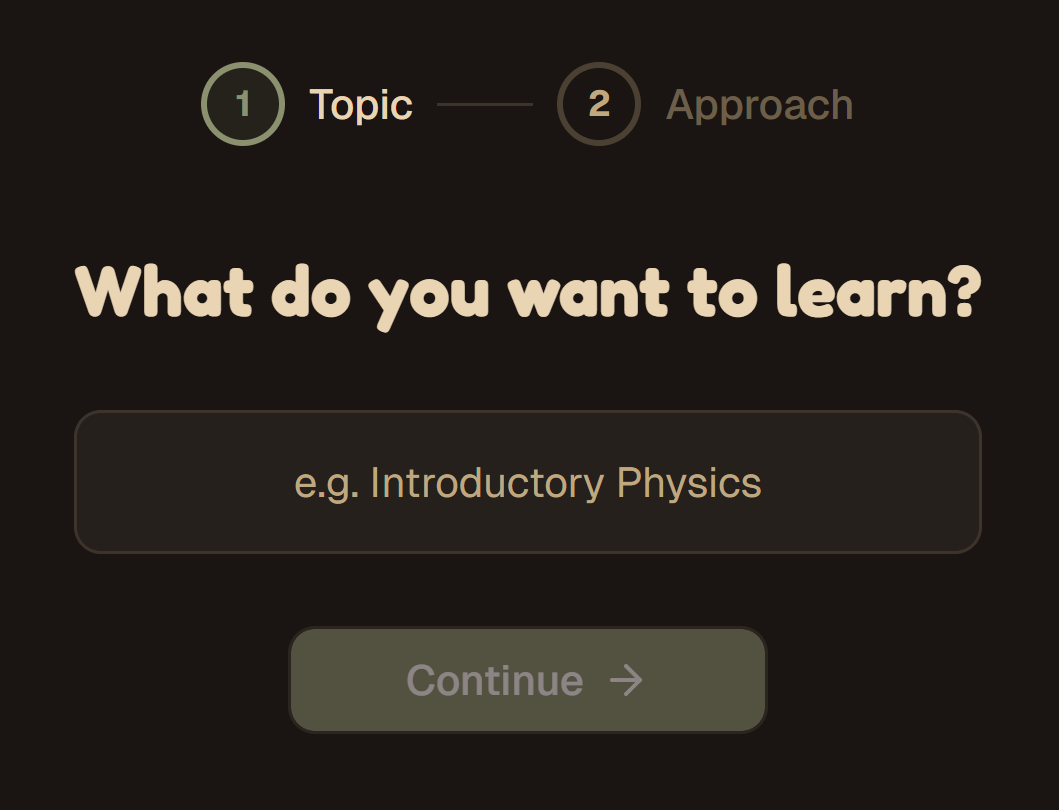
Pick a topic and choose your path
Enter any topic — from quantum computing to watercolor painting. Set complexity level, adjust tone, and optionally upload your own source material to steer the curriculum.
- Beginner through master complexity levels
- Upload PDFs, paste links, or add YouTube videos as source material
- Add personal context to make content relevant to your background
- AI generates a full dependency graph of modules in seconds
Review, edit, and finalize
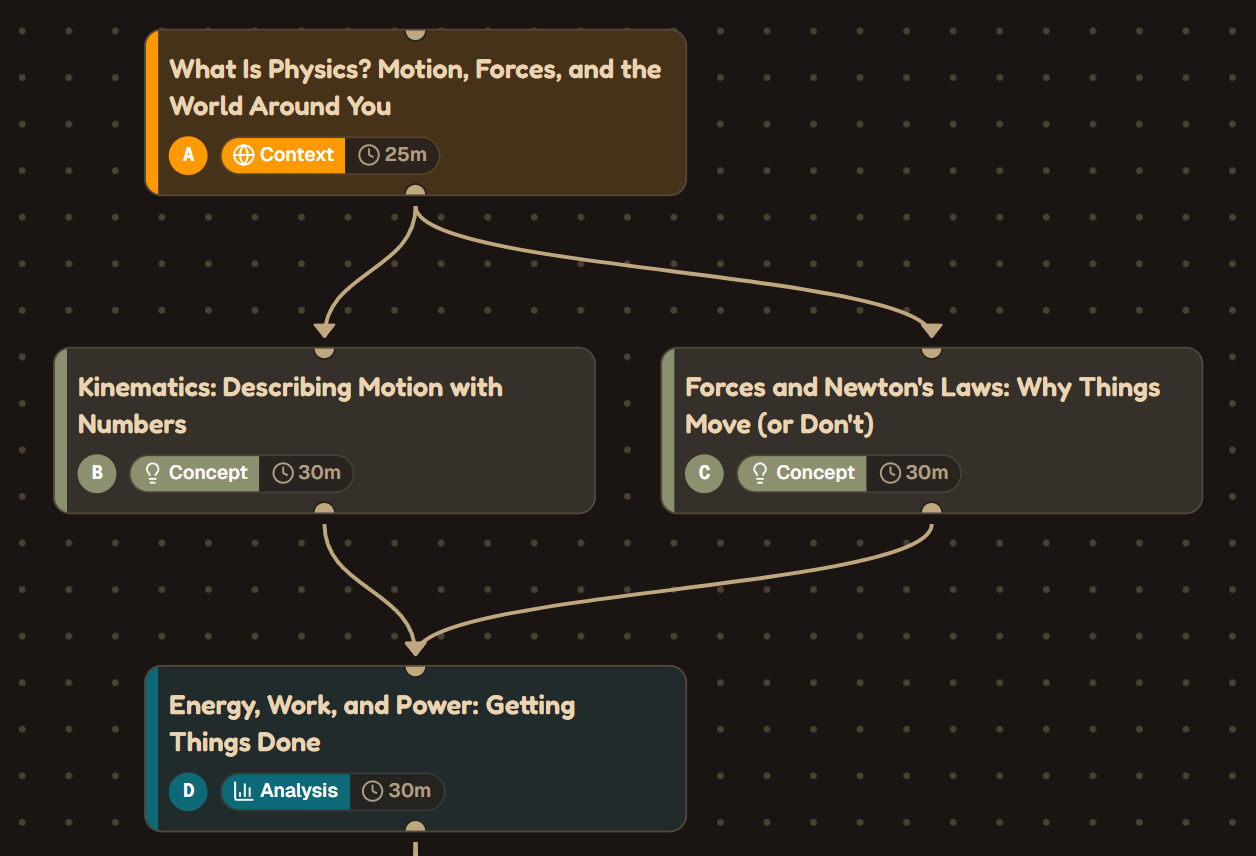
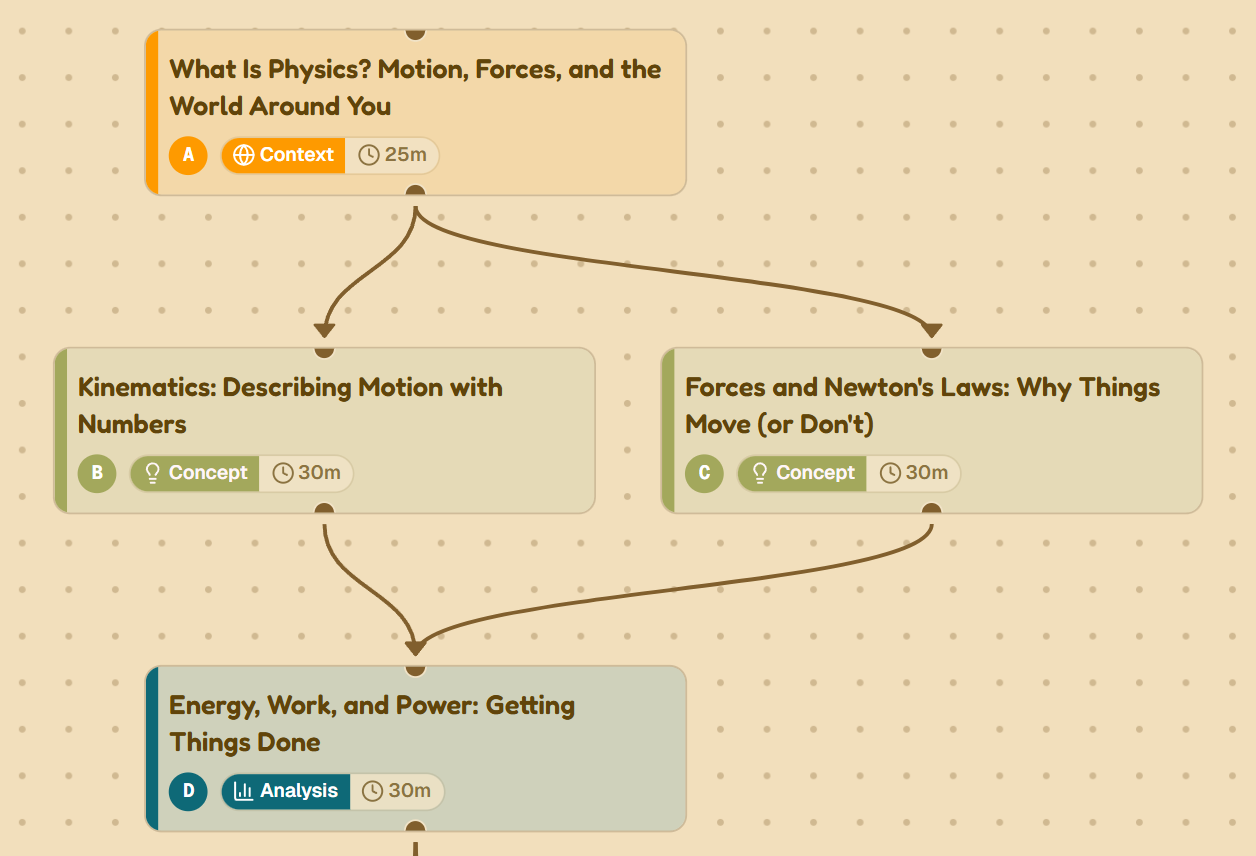
Before any content is generated, you see the full course structure as an interactive skill tree. Rename modules, adjust time estimates, split or merge topics, and drag edges to reshape prerequisites.
- Interactive DAG editor with drag-and-drop connections
- Split large modules or merge overlapping ones
- Set module categories: concept, procedure, analysis, integration
- Validation warnings catch issues like cycles or oversized modules
Lessons built to teach, assessments built to challenge
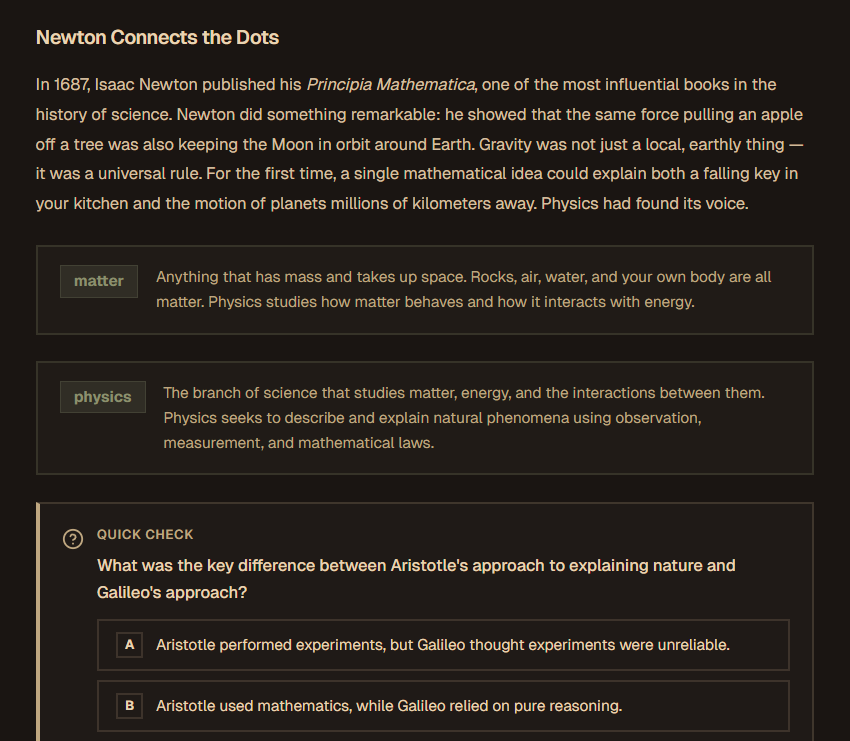
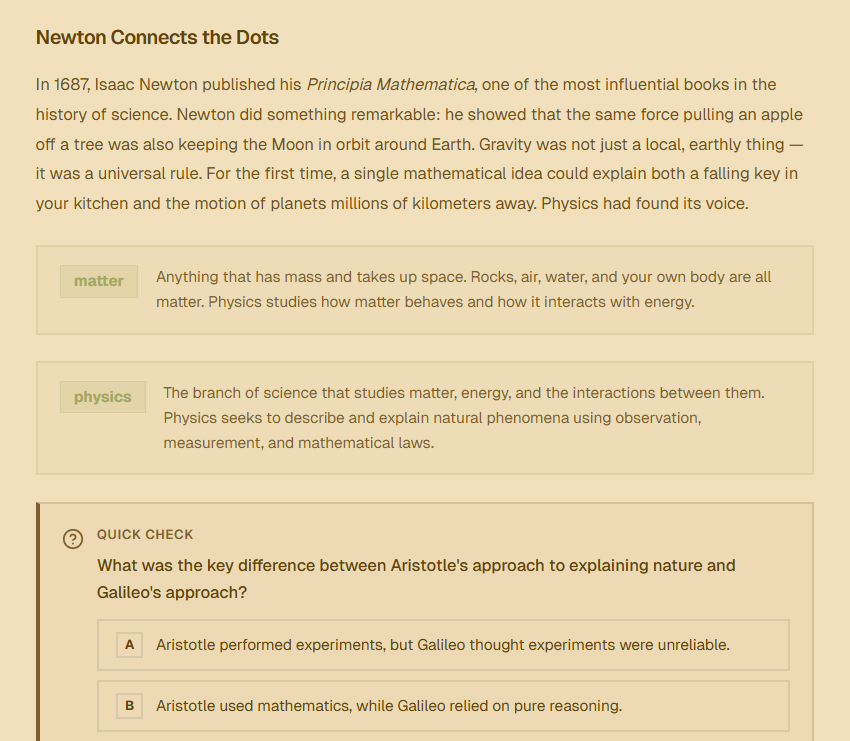
Every module generates rich narrative content with key terms, diagrams, worked examples, and inline comprehension checks. Then an assessment tests whether you actually understood it.
- Narrative lessons with key term definitions and callout boxes
- Flowcharts, mind maps, and worked examples embedded inline
- Quick checks throughout each lesson to catch gaps early
- End-of-module assessments with distractor answers based on common misconceptions
Spaced repetition that adapts to your memory
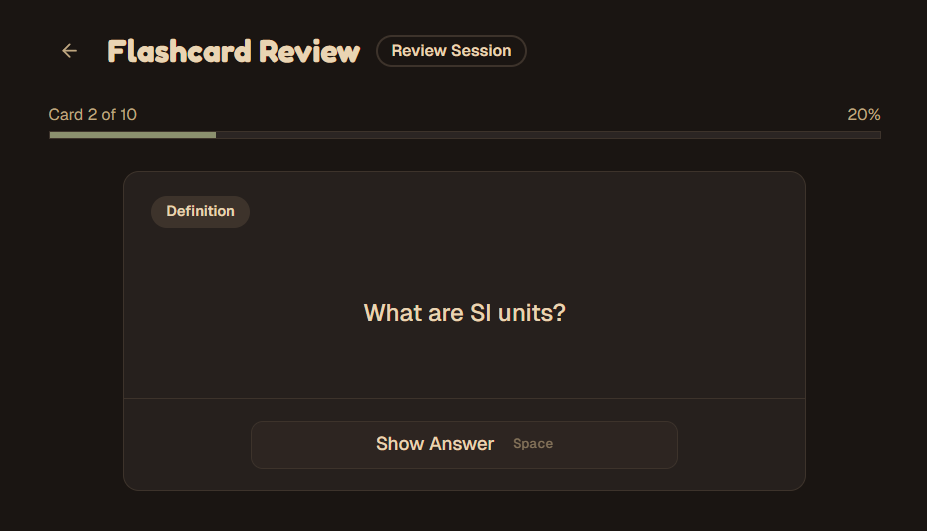
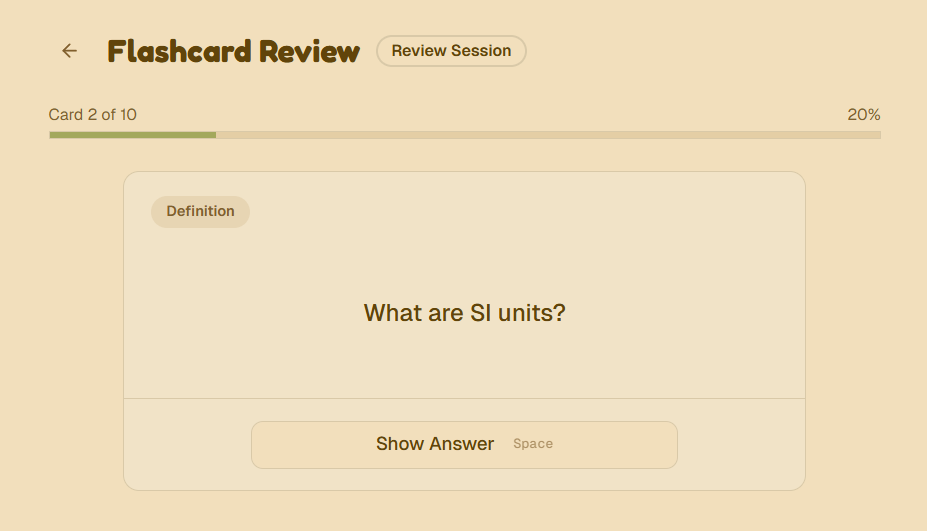
Flashcards are auto-generated from your lessons and scheduled using the SM-2 algorithm. You review what you're about to forget, exactly when it matters most.
- Flashcards generated automatically from lesson content and key terms
- SM-2 scheduling adapts intervals based on your recall performance
- Daily review sessions surface cards at the optimal moment
- Track retention across courses with your personal review dashboard